Flutter iOS & Android
Akiflow puts your whole day in one place
The Story
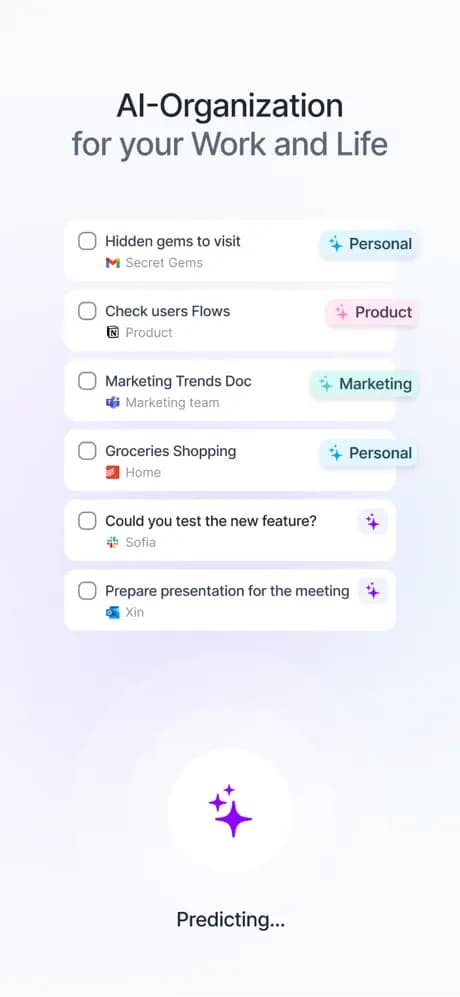
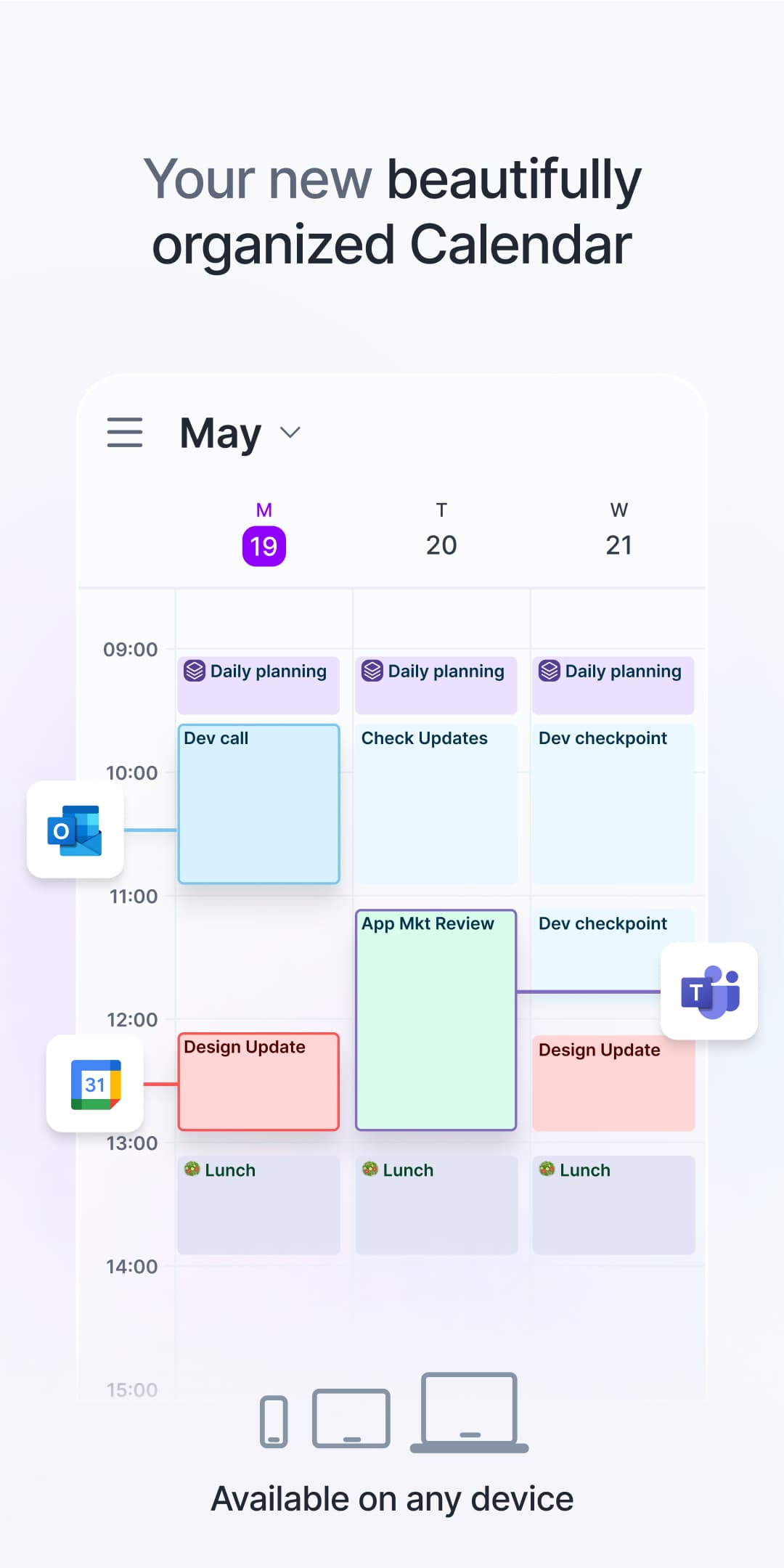
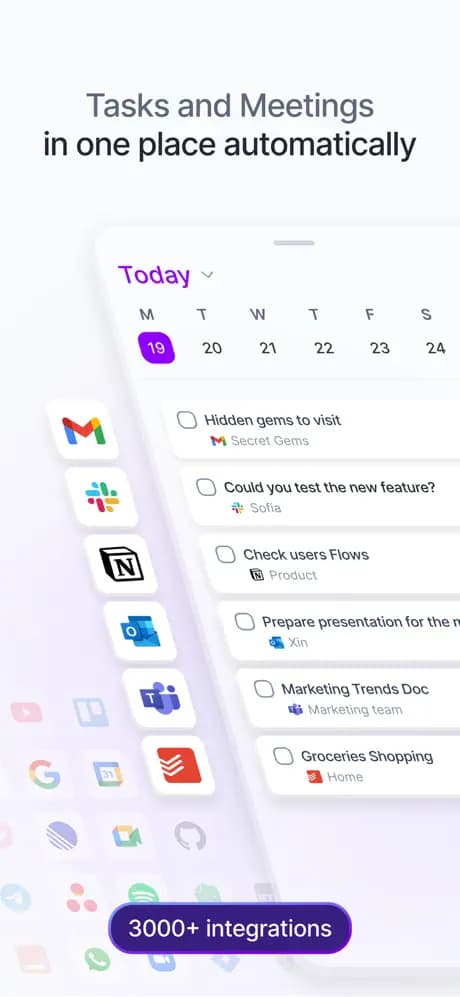
Akiflow's promise is calm: one place where your calendar, tasks and daily agenda finally agree with each other, pulling to-dos out of Gmail, Slack and Notion so nothing slips.
As senior mobile engineer on the Flutter iOS and Android apps, I evolved the part users never see but always feel — the data engine. Database writes and network sync moved off the main thread into dedicated long-lived isolates, so the interface stays instant no matter how much is syncing behind it.
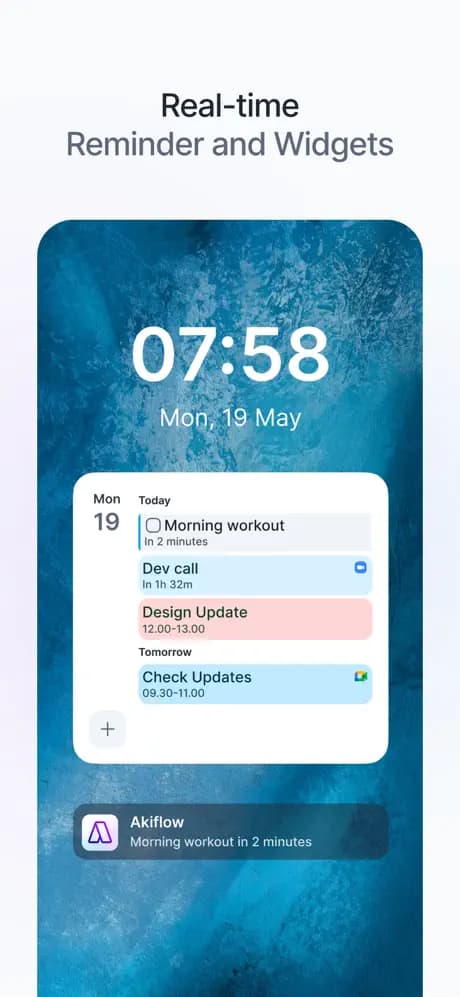
Then I went a level below the Flutter SDK, into the native iOS and Android Pusher source, and rebuilt real-time sync to stay rock-solid across every background-foreground cycle. On top of that: the AI meeting-research 'Intel' feature, subtasks, iOS Live Activities that dismiss themselves, and a widget redesign backed by a single shared rule both platforms obey.
95 shipped issues over three months — features, architecture and polish — on a live app with real users the whole time.
By the Numbers
Behind the Build
The improvement I'm proudest of is the concurrency architecture. I moved all database writes into a dedicated long-lived DB isolate with a type-safe, macro-generated command DSL, and all network sync into its own isolate — the UI thread does nothing but paint, so the app stays smooth under any load.
The deepest dig was Pusher. To make real-time sync bulletproof, I read the native iOS and Android SDK source and rebuilt reconnection to mirror the real state machine underneath — so the connection recovers cleanly from every app lifecycle change, on both platforms.
Highlights
The Stack
Mobile — Flutter · Dart · iOS · Android · ObjectBox
Native — Swift · ActivityKit · Kotlin · Java · widgets · Live Activities
Architecture — Clean Architecture · SOLID · multithreading & isolates · real-time systems
Realtime — Pusher · WebSockets · REST · native iOS & Android SDKs
AI — 'Intel' meeting research · AI-augmented dev workflow (Claude Code, Cursor)
Tooling — Sentry · Fastlane · release automation · macro-generated command DSL